YOUR FOUNDATION
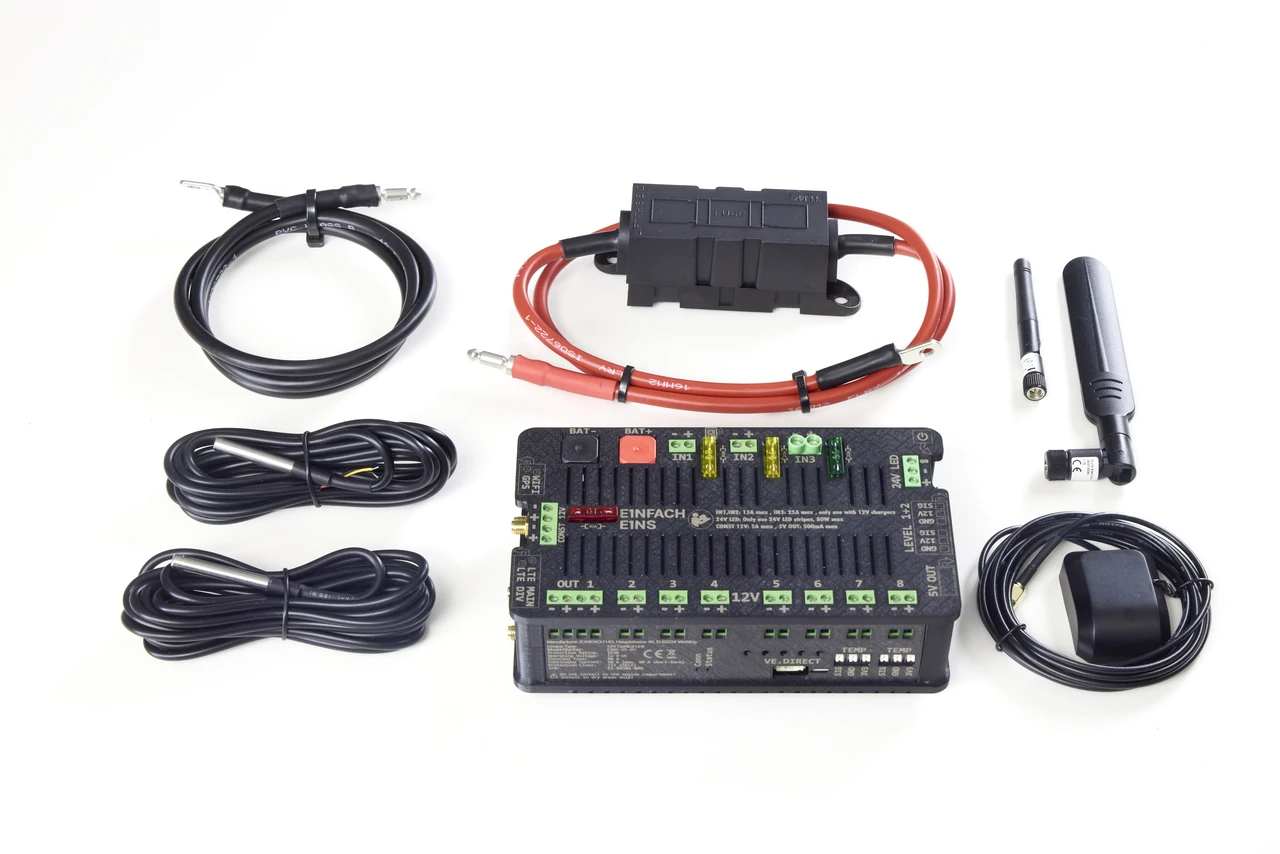
E1NS Komplettset
Switch devices, keep an eye on your battery and create your own rules.
949.00 €incl. VAT
Explore the complete kit →YOUR CAMPER. YOUR IDEAS. E1NS.
It all starts with E1NS.
Bring lighting, electrics and everyday tasks together in your camper. Start with the complete kit – then add what makes life on the road easier.
Your starting pointThe box, connection cable, antennas and two temperature sensors in one kit.
Your paceAdd compatible components whenever you need them.
Your contactGabor and Tim help you with your camper build.
YOUR FOUNDATION
Switch devices, keep an eye on your battery and create your own rules.
949.00 €incl. VAT
Explore the complete kit →EXTEND E1NS
Start with E1NS. Add sensors, buttons and lighting controllers when they fit your daily routine.
Control
Lights on, everything off or your own scene: a wireless button lets you control your camper without a smartphone.
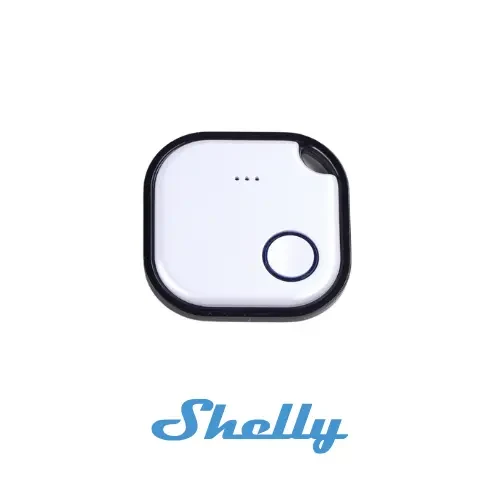
A small button wherever you need it. Single, double, triple and long presses can trigger different actions or scenes.
Setup: Requires a Shelly BLU Gateway and configuration of your chosen actions in E1NS.
Shelly BLU Button at the manufacturer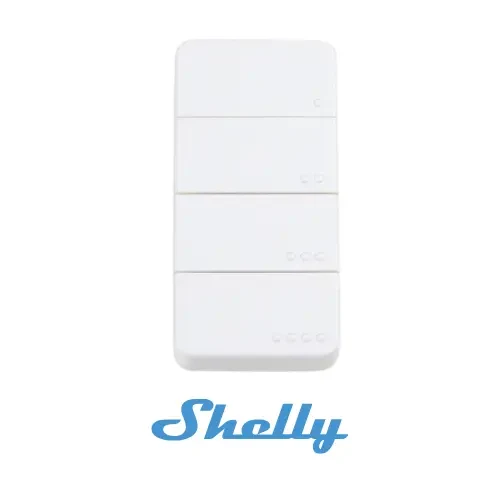
Four buttons for your everyday tasks. Assign supported actions and scenes to different presses.
Setup: Requires a Shelly BLU Gateway. Check retailer availability before buying.
Shelly BLU RC Button 4 at the manufacturerMonitor
Keep track of windows, indoor climate and battery. Compatible sensor readings also help you create your own rules.
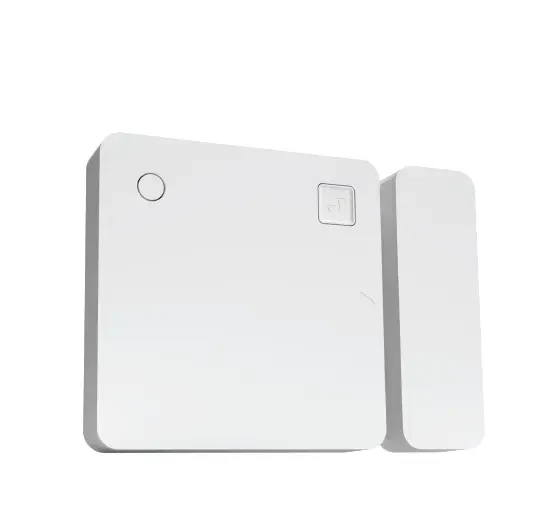
Is the hatch still open? The sensor detects door and window states, and also measures tilt and light levels.
Setup: Requires a Shelly BLU Gateway. Install the sensor and configure suitable rules in the app.
Shelly BLU Door/Window at the manufacturer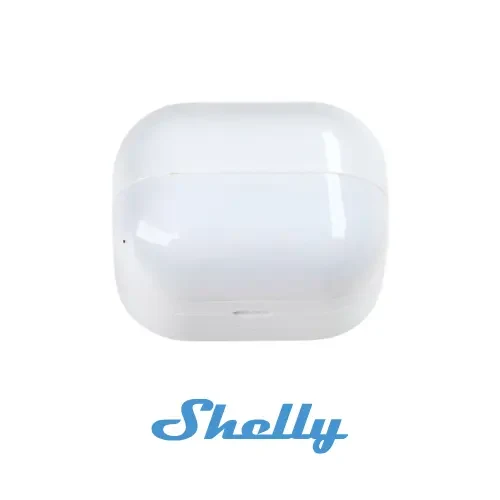
Detect movement and measure indoor light levels. For example, as a trigger for a suitable lighting automation.
Setup: Requires a Shelly BLU Gateway and a configured automation.
Shelly BLU Motion at the manufacturer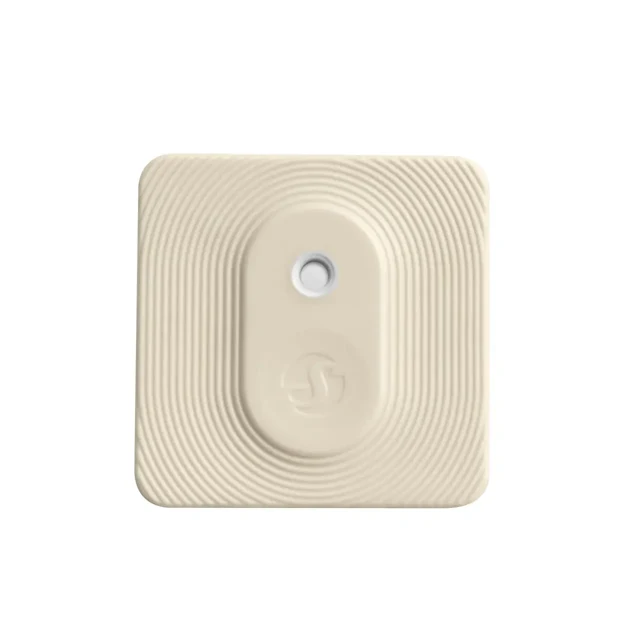
Monitor temperature and humidity wirelessly. Use the readings in suitable automations.
Setup: Requires a Shelly BLU Gateway. Does not directly control heating or air conditioning.
Shelly BLU H&T at the manufacturer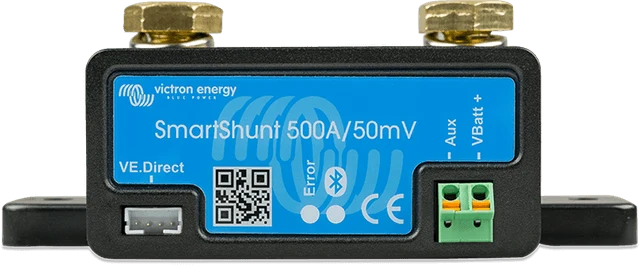
Take a closer look at your leisure battery: use supported battery data via VE.Direct in the E1NS app.
Setup: Check the SmartShunt model, a suitable VE.Direct connection and configuration.
Victron Energy SmartShunt at the manufacturerConnect, switch and dim
Connect wireless sensors, switch an additional device or dim your lighting – with the right component.
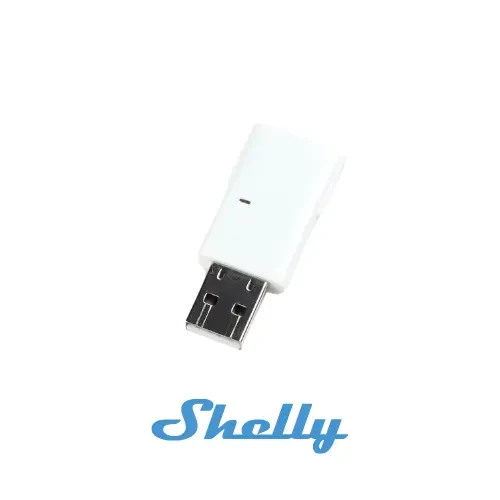
The bridge for your BLU sensors and buttons. The USB device receives Bluetooth signals and connects supported devices to E1NS via Wi-Fi.
Setup: Required for all Shelly BLU sensors and buttons shown here. Set up USB power, Wi-Fi and configuration according to the documentation.
Shelly BLU Gateway at the manufacturer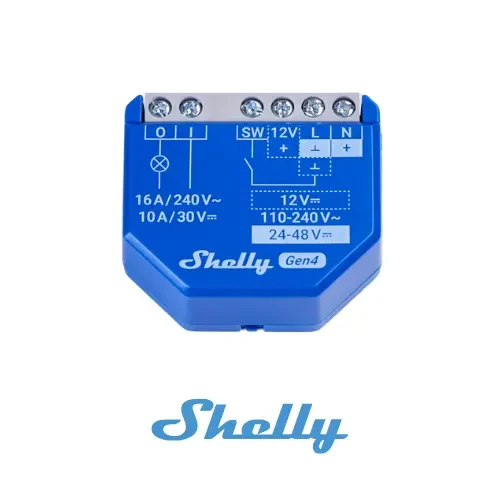
An additional relay for a suitable device. E1NS connects to this specific model via Wi-Fi.
Setup: Choose power supply, load and wiring according to the manufacturer's documentation. Work on 230 V systems must be carried out by qualified professionals.
Shelly 1 Gen4 at the manufacturer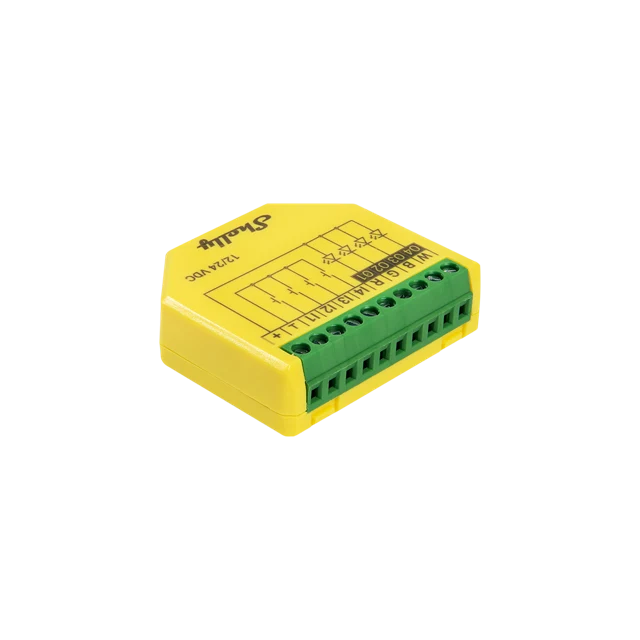
Control and dim compatible 12/24 V LED strips: as RGB/RGBW lighting or with individually dimmable channels.
Four push-button inputs (I1–I4): Connect conventional wired push buttons directly. In the four-channel light mode, each lighting channel can be switched and dimmed separately.
Setup: Power supply, wiring and configuration must suit the model. For fans, check load type and starting current separately.
Shelly Plus RGBW PM at the manufacturerTank level
A suitable tank sensor shows the level in the app, so you can check less often.
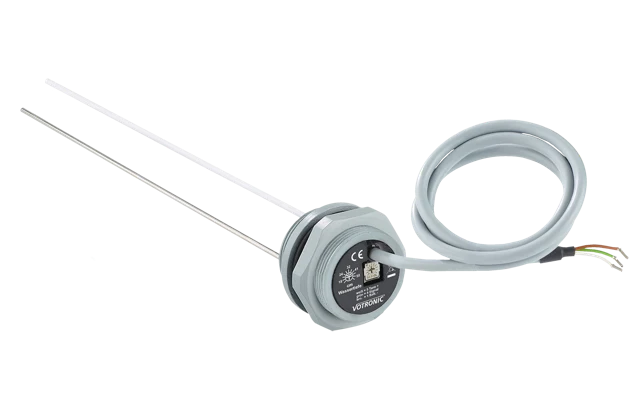
Capacitive measurement with no moving parts. Choose the electrode to suit your tank height. Check power supply, signal and calibration before connecting it.
Setup: Check tank height and the exact model. E1NS expects a 0–3.3 V signal; power supply, connection and calibration must match.
VOTRONIC tank electrodes at the manufacturer