Control devices
Eight independently switchable 12 V outputs for suitable devices. Current measurement and protection features help you monitor your camper electrics.

KNOW WHAT'S POSSIBLE
Core features, suitable add-ons and technical limits – clearly explained.
Eight independently switchable 12 V outputs for suitable devices. Current measurement and protection features help you monitor your camper electrics.
See battery voltage, current and consumption data in the app. Supports documented 12 V battery types: lead-acid, AGM, GEL and LiFePO4.
Two DS18B20 temperature sensors are included in the complete kit. View readings and use them in suitable automations.
Create rules in the app using triggers, conditions and actions. Local automations run without a constant internet connection.
Connect locally via Wi-Fi. Mobile internet and remote access require a SIM card, data plan, reception and appropriate configuration.
Two analogue sensor inputs for suitable 0–3.3 V signals. Tank sensors are additional components; unsuitable signal voltages must not be connected directly.
LIGHTING AND ATMOSPHERE
Circadian lighting adjusts brightness and colour temperature to the time of day: bright and white during the day, warmer and dimmer towards evening. Adjustments continue while the lights are on. Switching on later also takes the current time into account.
Try the changing light on the homepage →24 V RGB LED strip connected directly to E1NS: Connect a digitally controlled 24 V RGB LED strip (SPI) to the LED connector on the E1NS box.
RGB/RGBW lighting via Shelly: Connect your 12 or 24 V RGB/RGBW LED strips or lights to a Shelly Plus RGBW PM and connect it to E1NS over Wi-Fi.
Then activate circadian mode for your lighting in the E1NS app. E1NS automatically adjusts brightness and light colour throughout the day.
Set up your lighting →EXTEND E1NS
Start with E1NS. Add sensors, buttons and lighting controllers when they fit your daily routine.
Control
Lights on, everything off or your own scene: a wireless button lets you control your camper without a smartphone.
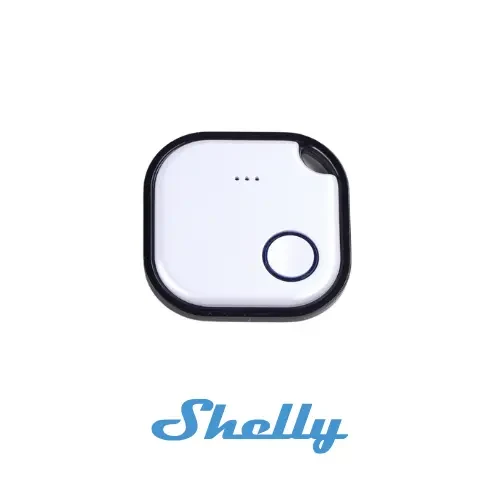
A small button wherever you need it. Single, double, triple and long presses can trigger different actions or scenes.
Setup: Requires a Shelly BLU Gateway and configuration of your chosen actions in E1NS.
Shelly BLU Button at the manufacturer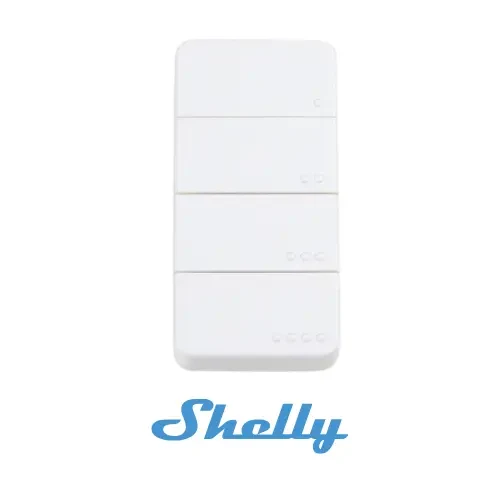
Four buttons for your everyday tasks. Assign supported actions and scenes to different presses.
Setup: Requires a Shelly BLU Gateway. Check retailer availability before buying.
Shelly BLU RC Button 4 at the manufacturerMonitor
Keep track of windows, indoor climate and battery. Compatible sensor readings also help you create your own rules.
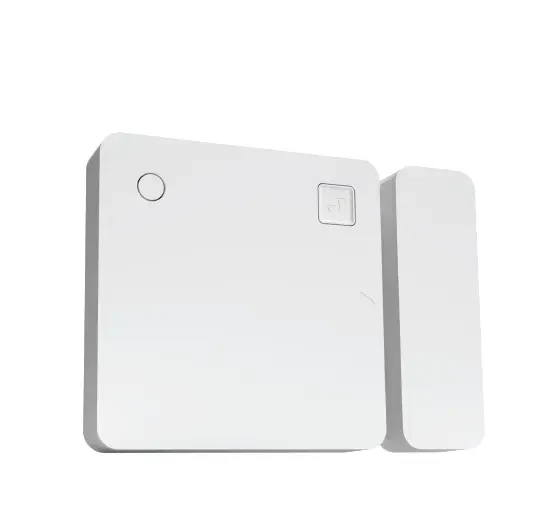
Is the hatch still open? The sensor detects door and window states, and also measures tilt and light levels.
Setup: Requires a Shelly BLU Gateway. Install the sensor and configure suitable rules in the app.
Shelly BLU Door/Window at the manufacturer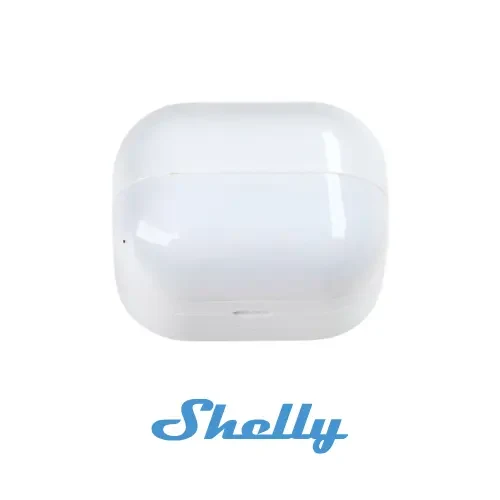
Detect movement and measure indoor light levels. For example, as a trigger for a suitable lighting automation.
Setup: Requires a Shelly BLU Gateway and a configured automation.
Shelly BLU Motion at the manufacturer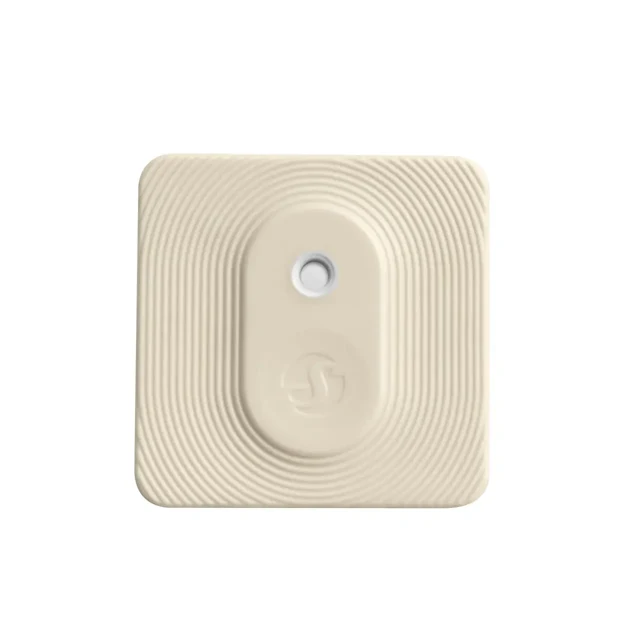
Monitor temperature and humidity wirelessly. Use the readings in suitable automations.
Setup: Requires a Shelly BLU Gateway. Does not directly control heating or air conditioning.
Shelly BLU H&T at the manufacturer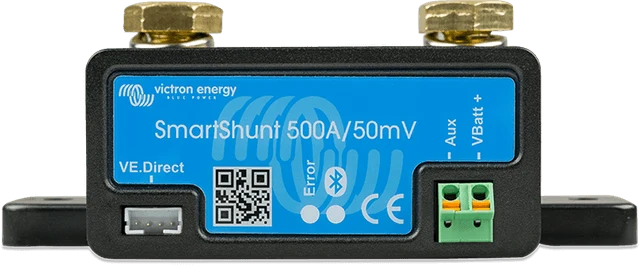
Take a closer look at your leisure battery: use supported battery data via VE.Direct in the E1NS app.
Setup: Check the SmartShunt model, a suitable VE.Direct connection and configuration.
Victron Energy SmartShunt at the manufacturerConnect, switch and dim
Connect wireless sensors, switch an additional device or dim your lighting – with the right component.
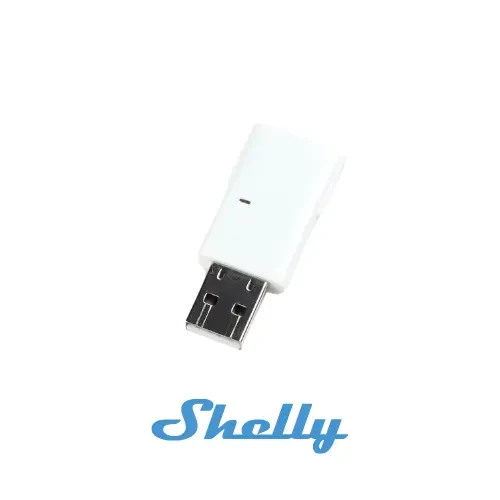
The bridge for your BLU sensors and buttons. The USB device receives Bluetooth signals and connects supported devices to E1NS via Wi-Fi.
Setup: Required for all Shelly BLU sensors and buttons shown here. Set up USB power, Wi-Fi and configuration according to the documentation.
Shelly BLU Gateway at the manufacturer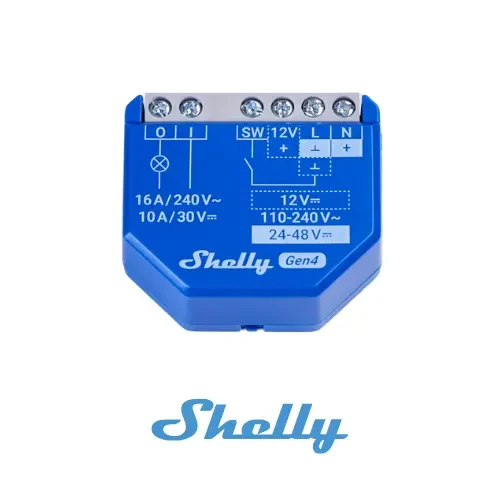
An additional relay for a suitable device. E1NS connects to this specific model via Wi-Fi.
Setup: Choose power supply, load and wiring according to the manufacturer's documentation. Work on 230 V systems must be carried out by qualified professionals.
Shelly 1 Gen4 at the manufacturer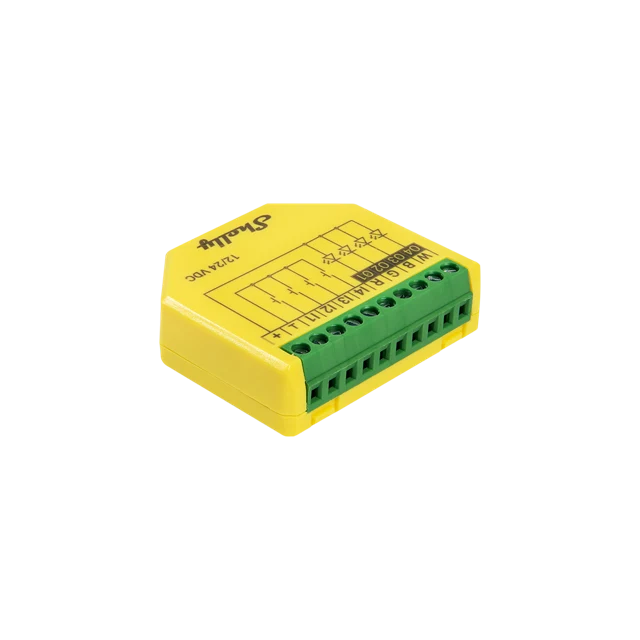
Control and dim compatible 12/24 V LED strips: as RGB/RGBW lighting or with individually dimmable channels.
Four push-button inputs (I1–I4): Connect conventional wired push buttons directly. In the four-channel light mode, each lighting channel can be switched and dimmed separately.
Setup: Power supply, wiring and configuration must suit the model. For fans, check load type and starting current separately.
Shelly Plus RGBW PM at the manufacturerTank level
A suitable tank sensor shows the level in the app, so you can check less often.
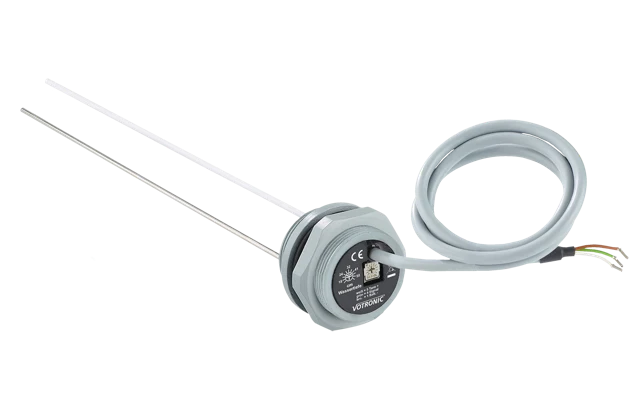
Capacitive measurement with no moving parts. Choose the electrode to suit your tank height. Check power supply, signal and calibration before connecting it.
Setup: Check tank height and the exact model. E1NS expects a 0–3.3 V signal; power supply, connection and calibration must match.
VOTRONIC tank electrodes at the manufacturerFOR THOSE WHO WANT THE DETAILS
Computer, wireless connections, connectors and electrical limits at a glance.
* These values were marked as hardware-dependent in the previous specifications. Follow the installation documentation and approval for your hardware. The 80 A battery fuse does not increase the current 60 A system limit.
Information as of 10 October 2026, based on the E1NS product specifications and aligned installation documentation. A specific modem model and individual LTE bands are not listed in these sources.
View the wiring documentationYOUR ELECTRICAL SYSTEM. CLICK BY CLICK.
What goes into your camper?
Add devices. Follow their connections. Discover what E1NS takes care of – and how your build can grow.
Try it here. Your selection stays on this page.
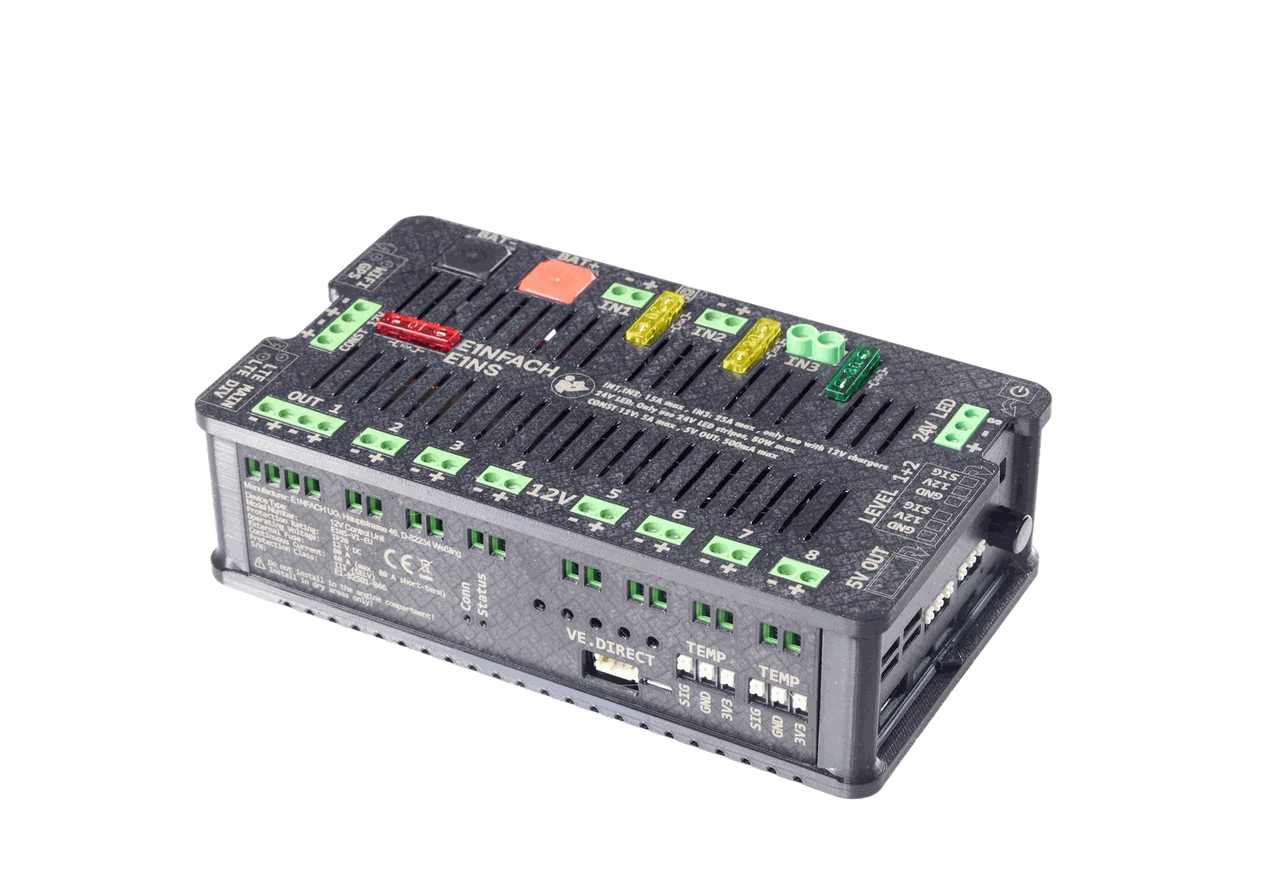
Leisure battery → E1NS → suitable 12 V devices. The box measures its own branch. Observe 15 A per switched output, 30 A per group of four and 60 A in total.
A large inverter needs its own fused connection. A compatible SmartShunt in the common negative cable supplies battery data to E1NS via VE.Direct. The box's current limits stay the same.
The interactive builder requires JavaScript. You can still read the connection principles and documentation. Open the installation guide →
Up to 15 A per output. Two banks of 30 A each: OUT 1–4 and OUT 5–8.
If your build needs more, the example shows an additional battery branch outside E1NS. The current through the box still stays within 60 A — even with a SmartShunt.
The virtual fuses use Infineon power switches. They provide overvoltage, overcurrent, overtemperature and short-circuit protection, as well as reverse-polarity detection. In the app, you set each output’s current limit, up to 15 A. Each bank remains limited to 30 A, and all outputs together to 60 A.
What would you like to add?
Tap a device. Discover its connection.2 of 8 loads · 2 E1NS outputs used
Your compact setup is ready.
12-V-Beispiel · Anschlussprinzip
Want to learn more about a cable? Hover over it or tap it.
The 12 V loads, solar charge controller and shore power charger connect directly to E1NS with both positive and negative cables. Lines show connections, not cable sizes. Small bridges indicate crossings without a connection. Sensor and auxiliary connections are simplified. The installation guide shows the individual connections.
A Wi-Fi bus module from another manufacturer has been announced. It is not yet available. We will explain supported devices and features when the add-on launches.
The images show real devices and connection illustrations. Currents are example values, not binding specifications of the pictured models. The calculation assumes simultaneous operation in a 12 V system. You can add up to eight 12 V loads in total. Each additional device has its own example current and uses its own free output. If it exceeds the remaining bank capacity, it is shown entirely in an external branch, never split across several outputs. Small auxiliary loads, self-consumption, starting currents and cable losses are not included.
The inverter calculation assumes 90 percent efficiency. The 20 A DC-DC charger connects directly to IN3, rated at a maximum of 25 A. Its charging current is measured internally. The alternative 30 A DC-DC charger exceeds this input and connects externally; a SmartShunt is recommended to include its charging current in the overall measurement. The SmartShunt measures the entire battery current in the common negative return. Switching here demonstrates the principle; actual configuration takes place in the E1NS app.
Explore the connection principles here. You will find the relevant connection details for your build in the installation guide.
Your idea goes beyond this example?
Let's look at your build together.