GETTING STARTED WITH E1NS
Connect.
Set up.
Enjoy.
Connect E1NS, open the app and switch on your first light.
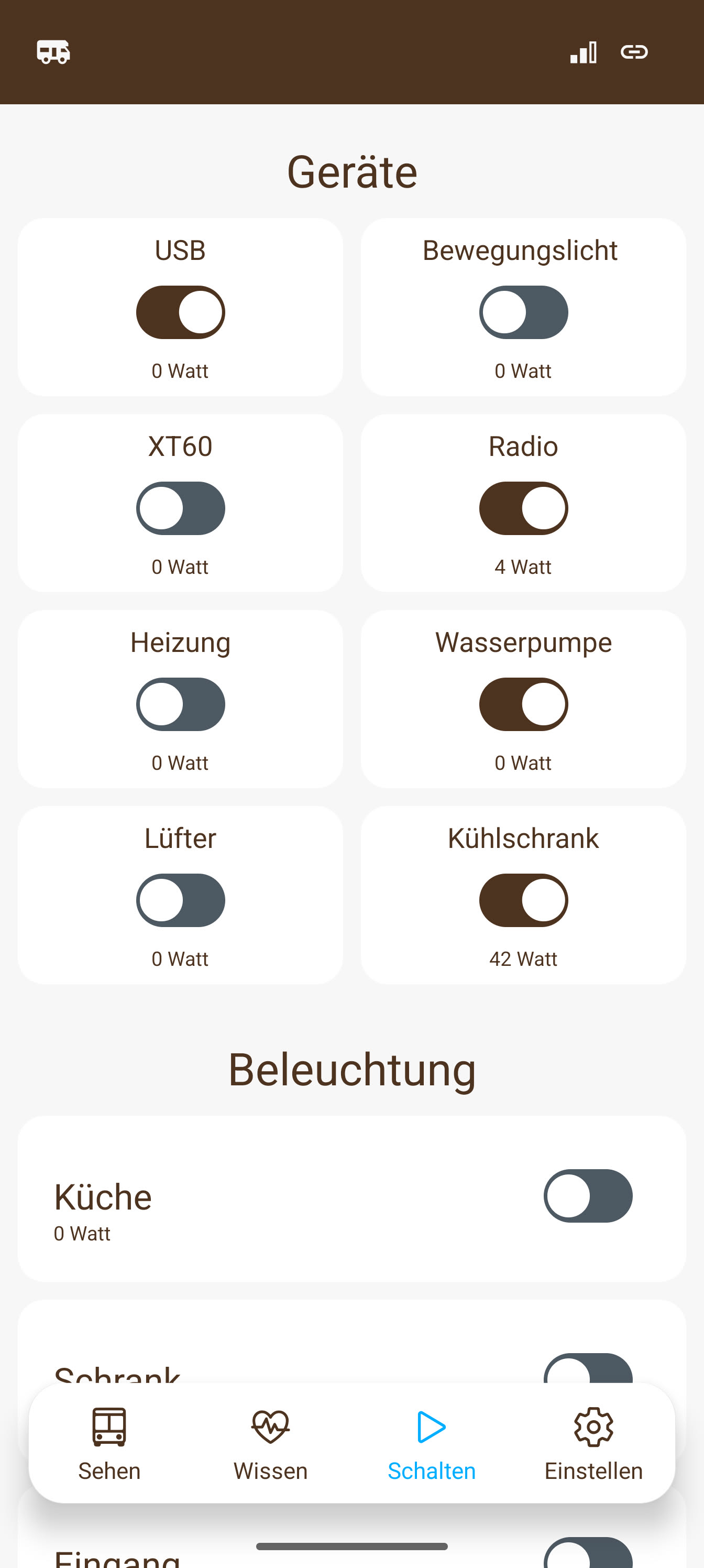
01 / CONNECT
Everything you need to get started.
The complete kit includes the box, battery cable, two temperature sensors and antennas. Here is how to start:
- Connect E1NS to your 12 V battery using the supplied cable.
- Plug in both temperature sensors and screw on the antennas.
- Connect a suitable 12 V light to a switched output.
Want mobile internet? Add your own SIM card and data plan. You can use E1NS locally in your camper without a SIM.
See the connections in detail →Gabor will show you how to connect a real E1NS, step by step.
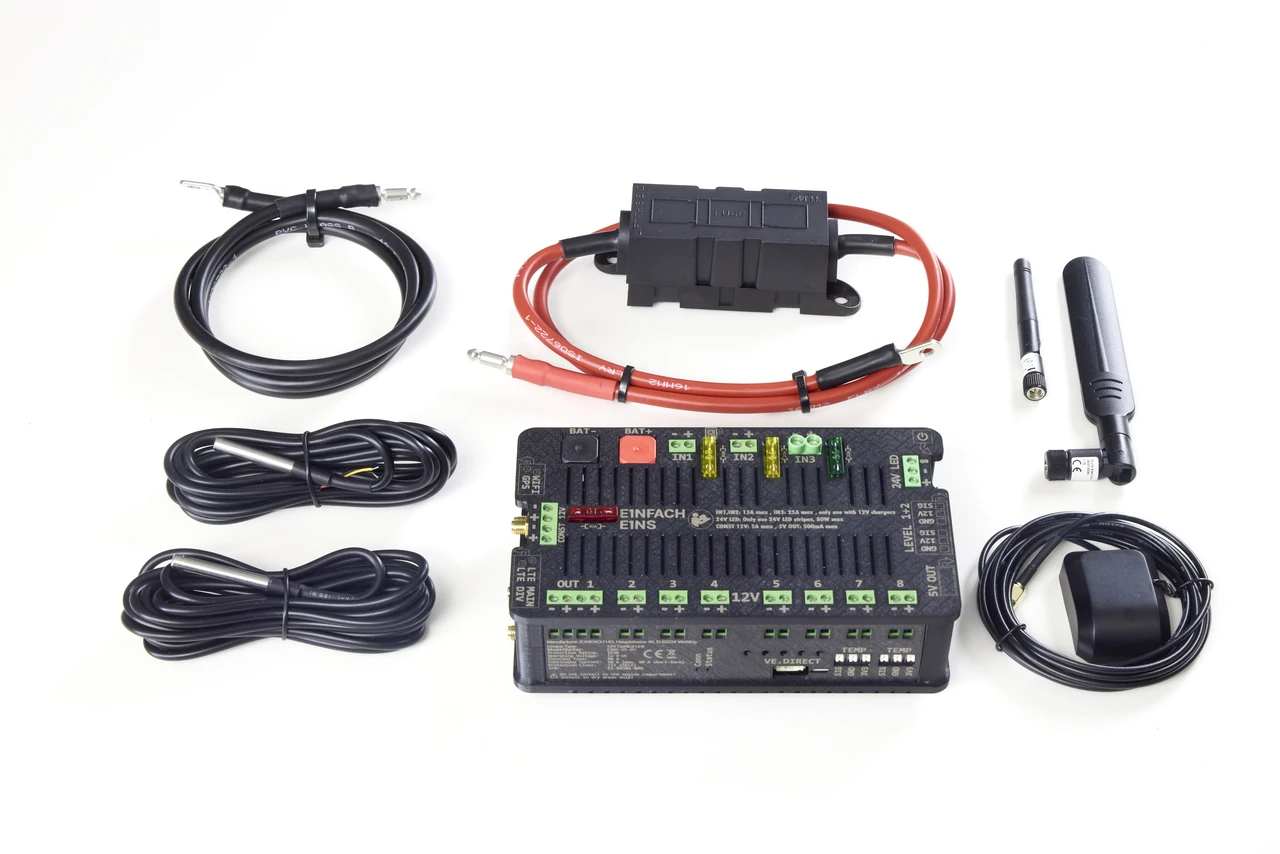
02 / SET UP
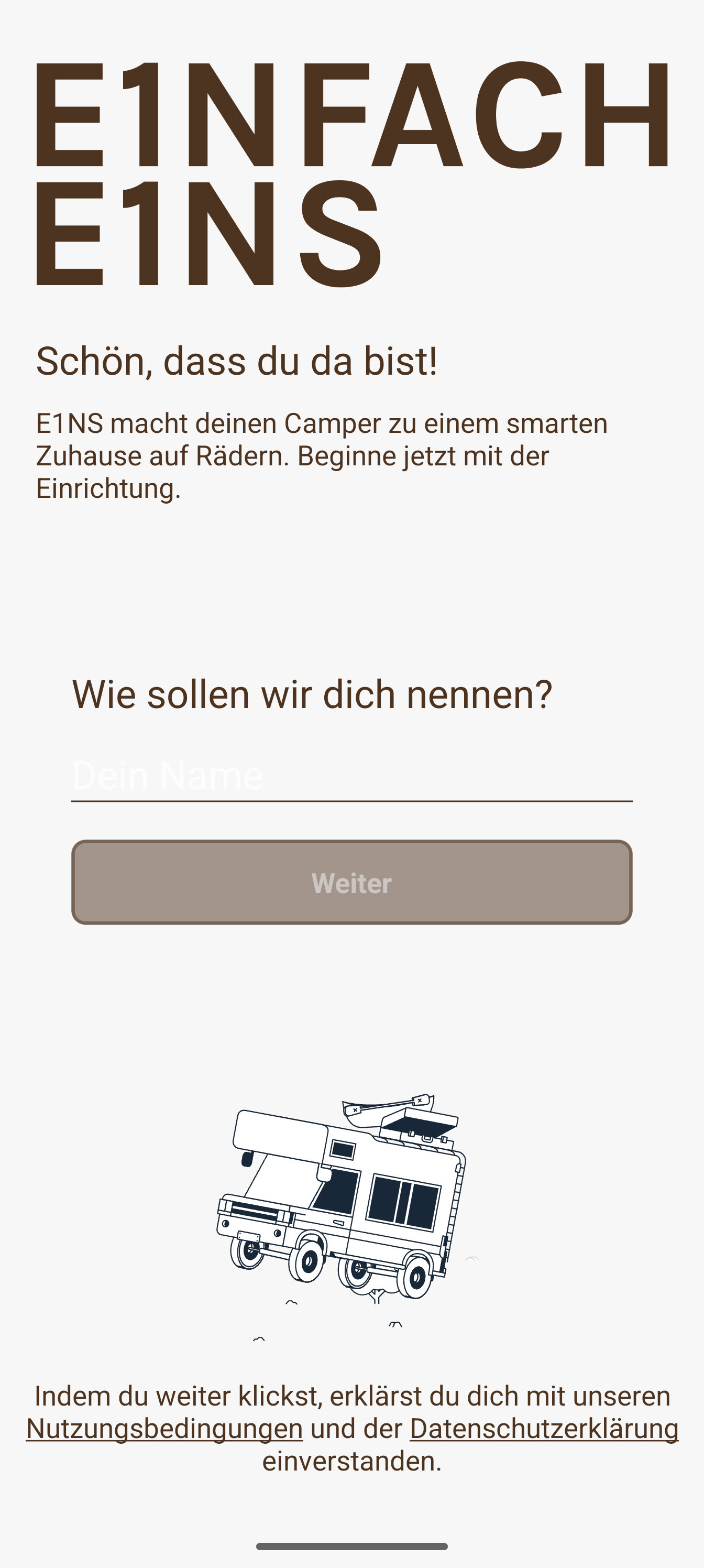
Open the app.
Get to know your camper.
Download the E1NS app and follow the steps in the app. Give your light a name, such as “Kitchen light” – and you’re ready to go.
Switch on a light.
Open “Schalten” (Switch) and tap the switch for your connected light. Light on. Your first step is done.
- Check how your battery is doing.
- Check the readings from your two temperature sensors.
- Switch your light on and off.
Later, you can switch on your suitably connected 12 V fridge in the same way.
03 / USE AND EXTEND
Your build becomes your system.
Your light today, your next idea tomorrow. Add compatible switches and sensors when you need them. Your camper grows at your pace.
When you feel like it later, set up your first automation.